
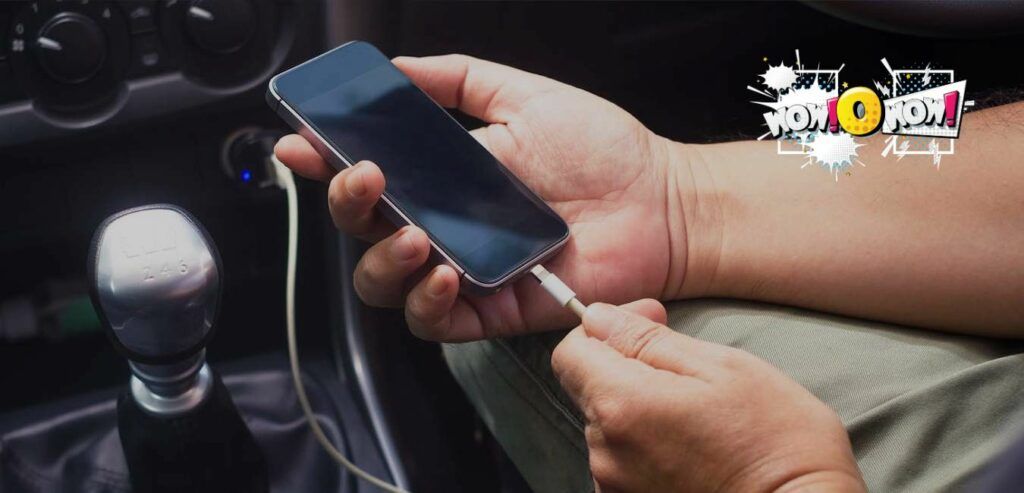
Is your device refusing to charge despite being plugged in? It is a frustrating scenario we have all faced: you plug in your phone, laptop, or tablet, but the battery icon remains stubbornly static. Before you panic or rush to buy a new device, it is important to know that a charging port not working is often a fixable issue caused by simple debris or software glitches.
In this guide, we will walk you through the most effective, safe, and professional steps to diagnose and repair your charging port in 2026. Whether you are dealing with a loose connection or a completely unresponsive port, we have the solutions you need.
Why Your Charging Port Stopped Working
Before diving into repairs, it helps to understand the “why.” Most modern devices, including the latest 2026 flagships, utilize sensitive USB-C or Lightning connectors. Over time, these ports can accumulate lint, dust, and debris from your pockets or bags, preventing the charging cable from making a solid electrical connection.
Other common culprits include corrosion from humidity, bent pins inside the port, or even software bugs that prevent the device from recognizing a power source. By following a systematic approach, you can rule out these factors one by one.

Step 1: The “Safe” Inspection and Cleaning
The most common reason for a charging port not working is physical blockage. If your cable doesn’t “click” into place or feels loose, debris is likely the issue.
- Turn off your device: Always power down your phone or laptop before cleaning the port to prevent short-circuiting.
- Use a light source: Use a flashlight to peek inside the port. Do you see lint, dust, or dark obstructions?
- Use the right tools: Use a non-conductive tool like a wooden toothpick or a plastic dental pick. Never use a metal needle, as this can permanently damage the delicate gold contact pins.
- Gently remove debris: Carefully scrape the bottom and sides of the port. You will be surprised at how much pocket lint can accumulate in just a few months.
Step 2: Test Your Hardware Before Assuming the Port is Broken
Often, the problem isn’t the port at all—it’s the accessories. Before attempting a repair, rule out the external hardware:
- Try a different cable: Cables are prone to internal fraying, especially near the connector. Test with a cable that you know works on another device.
- Check the power adapter: Sometimes the wall brick (power adapter) fails. Plug your cable into a different power source, such as a computer USB port or a different wall outlet.
- Clean the cable connector: Sometimes the pins on your charging cable itself are oxidized. Wipe them gently with a microfiber cloth and a tiny drop of 99% isopropyl alcohol.
Step 3: Software and System Troubleshooting
In 2026, our devices are driven by complex operating systems. Sometimes, a software glitch can stop the battery from accepting a charge.
- Force Restart: A simple forced restart can clear temporary memory issues that might be blocking the charging handshake between your device and the charger.
- Check for OS Updates: Ensure your device is running the latest firmware. Manufacturers frequently push battery management updates to improve charging stability.
- Calibrate your battery: If your phone shows it is charging but the percentage never increases, the software battery gauge might be miscalibrated. Let the device drain to 0% and charge it back to 100% uninterrupted.
Step 4: When Is It Time for a Professional Repair?
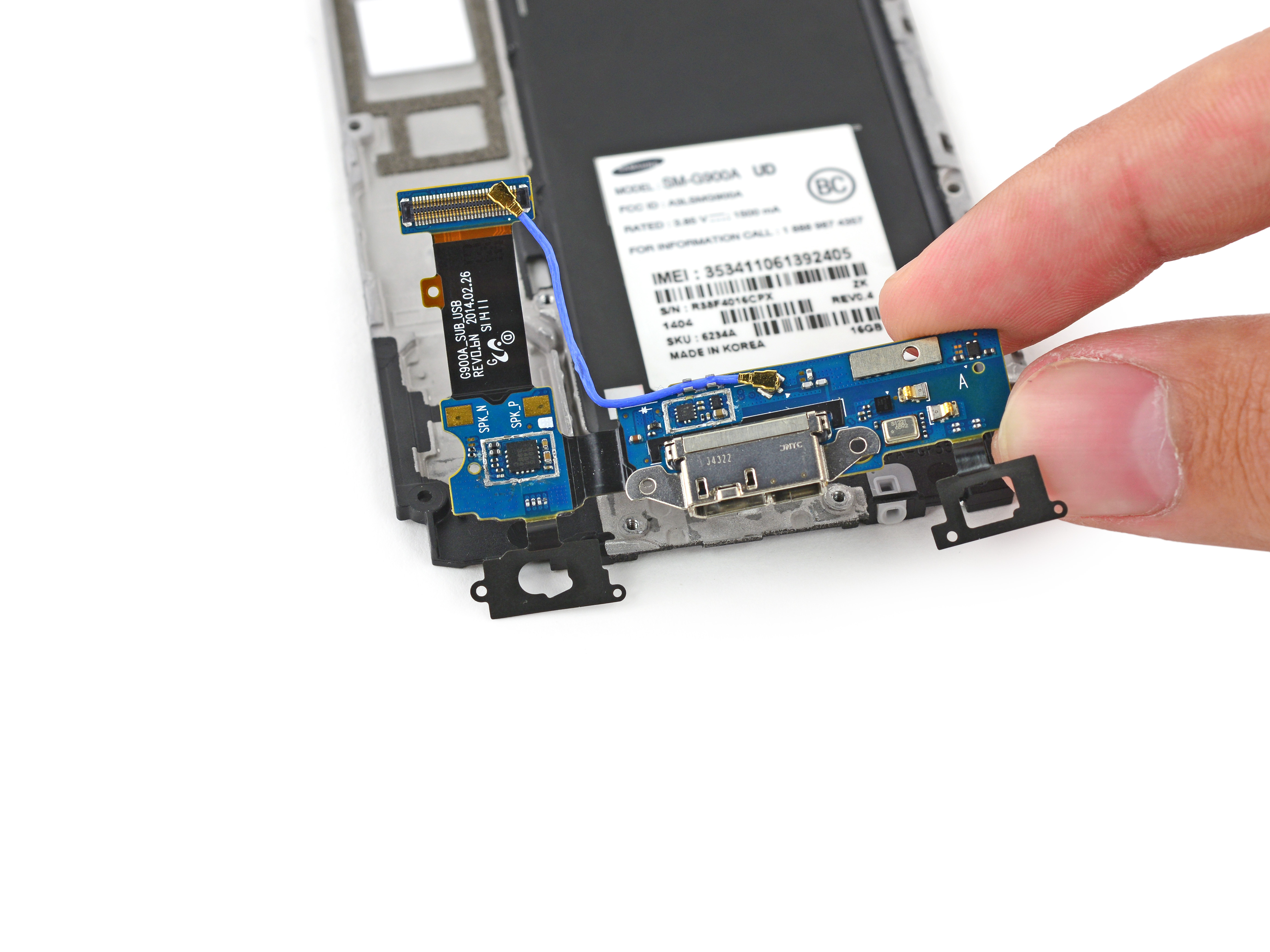
If you have cleaned the port, tested multiple cables, and performed a factory reset, but the device still won’t charge, you may be dealing with hardware failure.
- Loose Port: If the port wiggles significantly, the solder joints connecting the port to the motherboard may have cracked.
- Water Damage: If your device was exposed to liquid, corrosion could be preventing electricity from flowing.
- Professional Diagnosis: In these cases, avoid “DIY” soldering unless you are an expert. Visit an authorized service center. They have the specialized tools to perform a charging port replacement safely.
Frequently Asked Questions (FAQ)
Can I use compressed air to clean my charging port?
Yes, but use it sparingly. Short bursts are fine, but holding the nozzle too close can force moisture or debris deeper into the device.
Is it safe to use a needle to clean the port?
No. A metal needle is conductive and can easily snap off or scratch the internal pins, turning a simple cleaning job into a costly repair.
How do I know if my port is damaged?
If you look inside with a flashlight and see bent, missing, or blackened pins, the port is physically damaged and requires professional repair.
Conclusion
Dealing with a charging port not working is undeniably stressful, but it is rarely the end of your device’s life. By systematically cleaning your port, testing your cables, and checking for software glitches, you can resolve the vast majority of charging issues at home.
Remember: patience is key. If you are unsure about performing a physical repair, it is always better to seek professional help than to risk further damage. Keep your port clean, use quality charging cables, and your device will stay powered up for years to come!