
Is your smartphone dying before you even finish your workday? You aren’t alone. As we head further into 2026, our devices are more powerful than ever, but that power comes at a cost to your battery longevity. Improving your Android battery health isn’t just about changing one setting; it’s about mastering the way your device manages energy.
In this comprehensive guide, we will walk you through actionable tips to improve battery health and ensure your Android device stays powered up for years to come.
Understanding What Drains Your Android Battery
Before we dive into the fixes, it is essential to understand the culprits. Your battery life is primarily affected by background app activity, display brightness, and constant connectivity (like 5G or GPS).
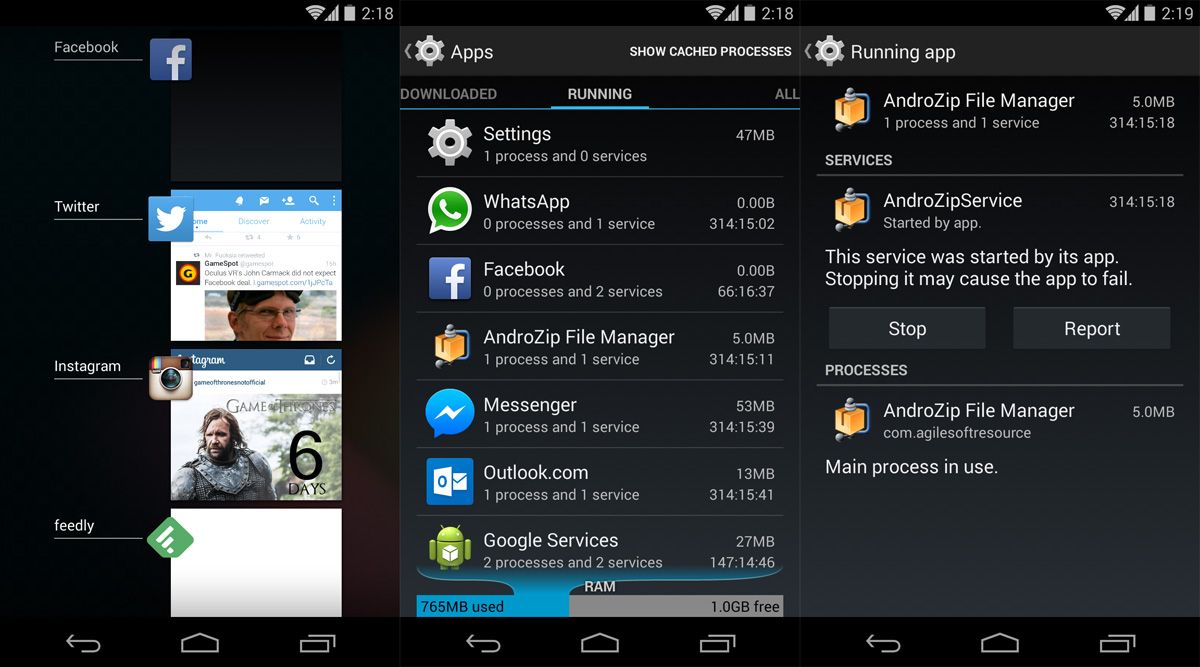
When too many applications run in the background, they consume RAM and CPU cycles, which forces your battery to work overtime. By monitoring your device’s power consumption, you can identify which apps are the “vampires” draining your energy.
Essential Settings to Maximize Battery Life
The most effective way to extend your battery’s lifespan is to optimize your system settings. Modern Android versions offer robust tools to automate this process.
1. Optimize Display Settings
The screen is typically the biggest power hog on any smartphone. To save energy:
- Enable Adaptive Brightness: This allows the phone to adjust based on ambient light.
- Use Dark Mode: On OLED screens, dark pixels are essentially turned off, saving significant power.
- Reduce Screen Timeout: Set your screen to turn off after 30 seconds of inactivity.
2. Manage Background App Activity
Android’s Adaptive Battery feature is your best friend. Ensure it is enabled in your settings. This AI-driven tool learns which apps you use most and restricts power to those you rarely touch. Periodically check your “Battery Usage” menu to see if any specific app is hogging resources and force-stop or uninstall it if necessary.
Advanced Tips for Long-Term Battery Health
If you want your battery to last for years rather than months, you need to change how you charge your device. Lithium-ion batteries degrade faster when they are pushed to the extremes.
The 20-80% Rule
Try to keep your charge level between 20% and 80%. Charging your phone to 100% every single night puts unnecessary stress on the battery cells. Many 2026 Android devices now include Optimized Charging features that pause charging at 80% until just before your alarm goes off.
Avoid Extreme Temperatures
Heat is the enemy of battery chemistry. Avoid leaving your phone in direct sunlight or a hot car. If your phone feels hot while charging, remove the case to allow for better heat dissipation. Conversely, extreme cold can also cause temporary drops in voltage, leading to unexpected shutdowns.
Monitoring Your Battery Health with Apps
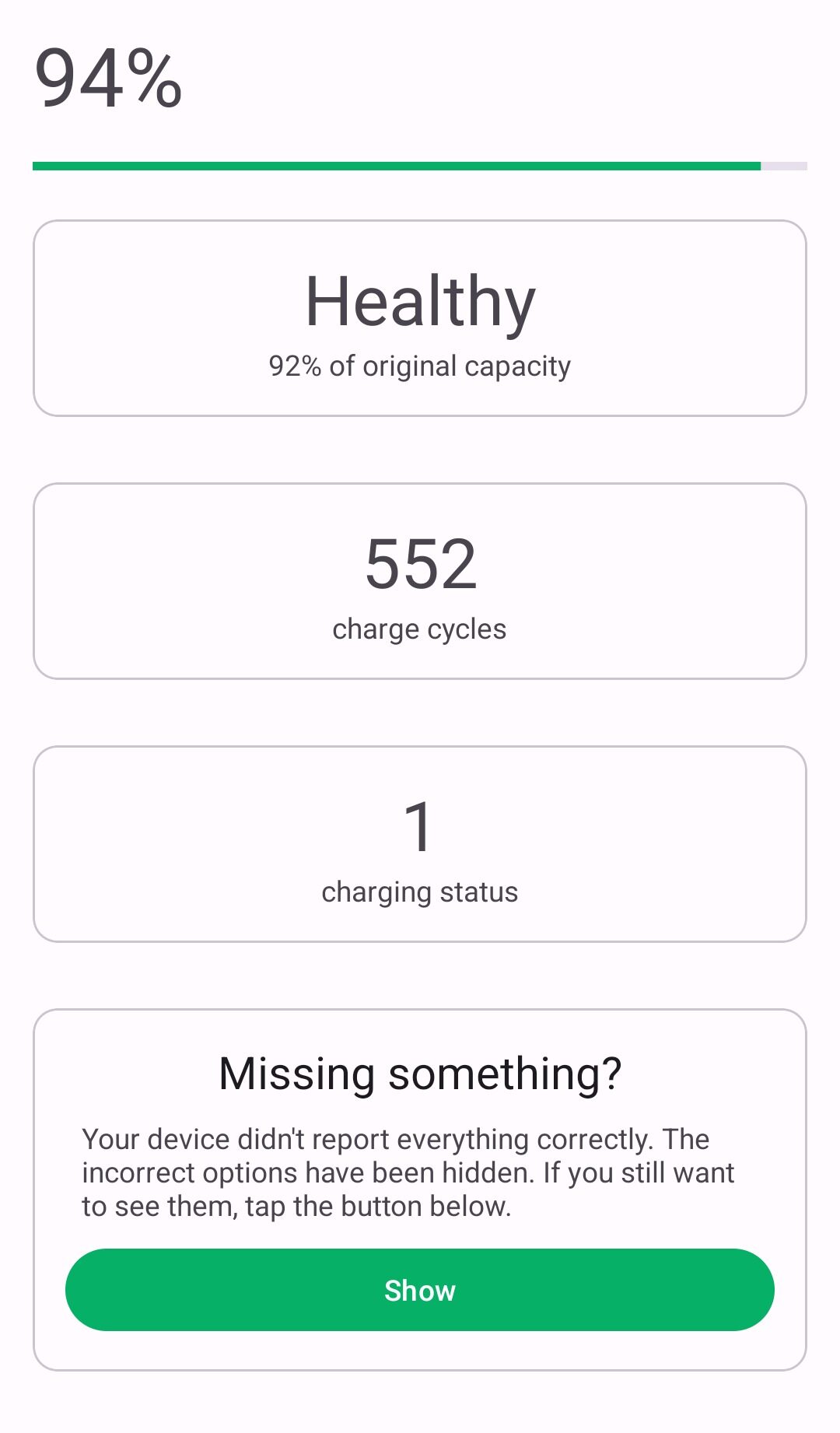
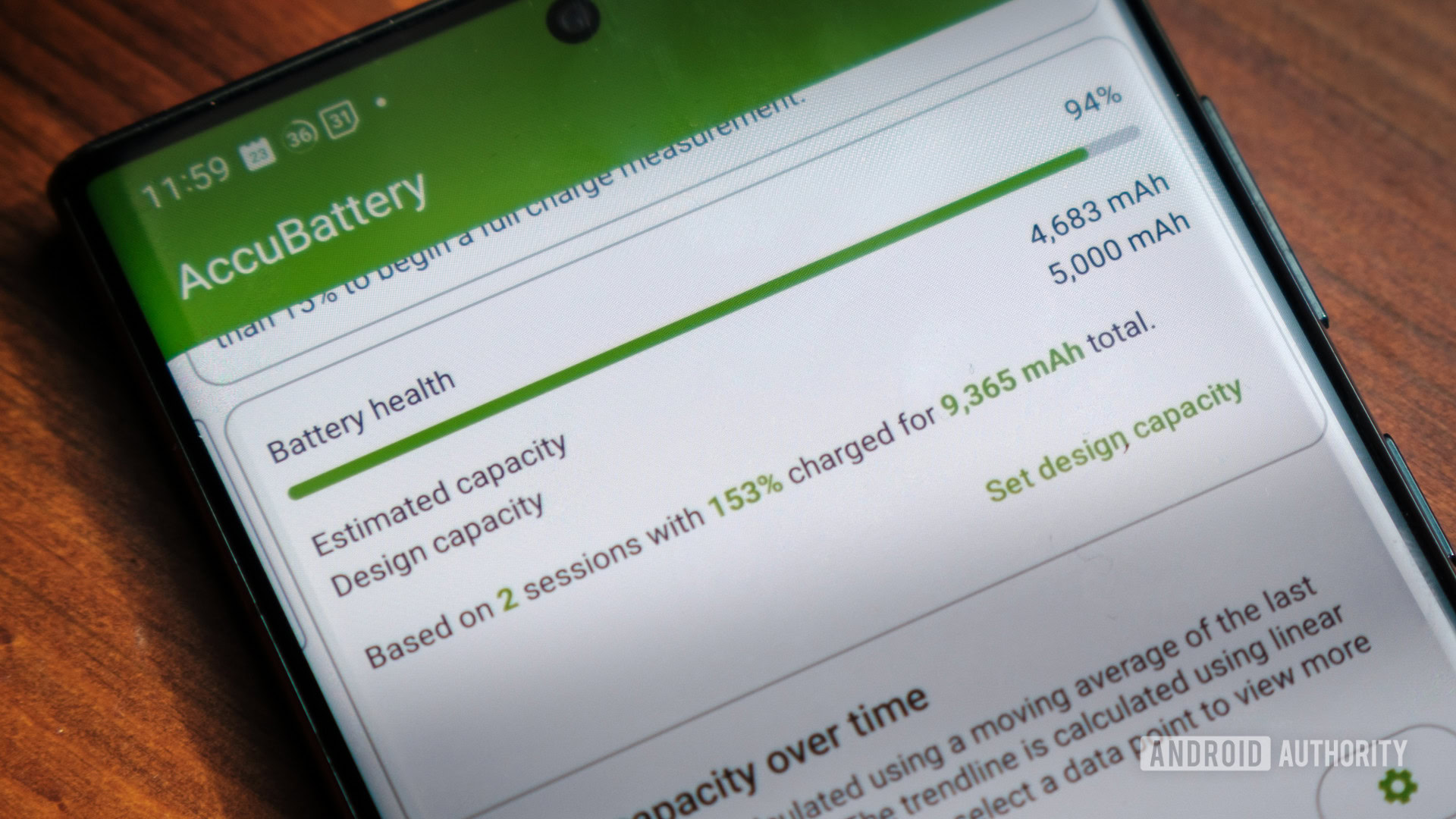
While Android provides built-in statistics, third-party apps can offer deeper insights into your battery health percentage and cycle counts. Apps like AccuBattery provide a detailed look at how much capacity your battery has lost over time.
Why Use Third-Party Tools?
- Detailed Analytics: See exactly how much power each app consumes in mAh.
- Charge Alarms: Set alerts to unplug your phone when it hits 80% to preserve cycles.
- Wear Level Tracking: Understand when it might be time to replace your battery.
Connectivity and Location Services
Constant scanning for Wi-Fi, Bluetooth, and GPS signals is a silent killer of battery life.
- Turn off Location Services: For apps that don’t need it, restrict location access to “Only while using.”
- Disable Unused Connections: If you aren’t using Bluetooth or NFC, toggle them off.
- Use Wi-Fi over Data: 5G connectivity is faster but significantly more power-intensive than a stable Wi-Fi connection.
Conclusion: Take Control of Your Android Power
Improving your Android battery health is a marathon, not a sprint. By implementing these battery saving tips, you are not just squeezing an extra hour out of your day—you are protecting the chemical integrity of your battery for the long haul.
Start by auditing your apps, enabling Adaptive Battery, and being mindful of your charging habits. With these simple adjustments, your device will remain as fast and reliable in 2026 as the day you unboxed it. Remember, a healthy battery is the foundation of a great user experience.