
Staring at a login screen while waiting for a verification code that never arrives is one of the most frustrating experiences in the digital age. Whether you are trying to access your bank, email, or social media, a broken two-factor authentication (2FA) process can lock you out of your digital life.
As of 2026, security protocols have become more sophisticated, which unfortunately means more points of failure. If you are asking, “Why is my login verification code not working?” you aren’t alone. In this guide, we will break down the most common culprits and provide actionable fixes to get you back into your accounts quickly and safely.
1. The Clock Mismatch: Why Time Matters
One of the most overlooked reasons for 2FA code failure is a discrepancy between your device’s time and the server’s time. Verification codes, especially those generated by apps like Google Authenticator or Microsoft Authenticator, are time-based one-time passwords (TOTP).
If your phone’s clock is even a few seconds off, the server will reject your code as invalid.
- The Fix: Go to your device’s Date & Time settings and ensure “Set Automatically” or “Use Network-Provided Time” is toggled ON.
- Pro Tip: If it is already on, toggle it off and back on again to force a sync with the network.

2. SMS Delivery Delays and Network Issues
If you rely on SMS-based verification, you are at the mercy of your cellular carrier. In 2026, carriers have ramped up spam-filtering algorithms that sometimes accidentally flag legitimate verification codes as unsolicited marketing messages.
If you aren’t receiving the text:
- Check your blocked numbers: Sometimes, short-code senders are accidentally added to your “Blocked” list.
- Toggle Airplane Mode: Turning Airplane Mode on for 10 seconds and then off refreshes your connection to the nearest cell tower, often pushing through “stuck” messages.
- Verify your contact details: Double-check your account settings to ensure the phone number or email address on file hasn’t been changed or mistyped.
![5 Solutions To Fix Not Getting Verification Code Texts [2026 Latest]](https://images.tenorshare.com/topics/fix-iphone/not-getting-verification-code-texts.jpg?w=480&h=360)
3. Browser Cache and Session Conflicts
Sometimes the problem isn’t your phone—it’s your browser. If you have multiple tabs open or an outdated cache, your browser might be sending “stale” information to the server, causing the verification step to glitch.
- The Fix: Try logging in using an Incognito or Private window. If it works there, you know your browser cache or a problematic extension is to blame.
- Clear your cache: Navigate to your browser settings and clear your cached images and files. This simple step resolves an estimated 30% of login-related errors.
4. Moving Beyond SMS: The 2026 Standard
Major platforms like Google and Microsoft are moving away from SMS verification because it is vulnerable to SIM-swapping attacks. If you find yourself frequently dealing with “code not working” issues, it is time to upgrade your authentication method.
- Use Authenticator Apps: Apps like Microsoft Authenticator or Google Authenticator are significantly more reliable than text messages because they work offline and don’t rely on cellular signal.
- Google Prompts: If you use Google services, enable Google Prompts. Instead of typing a code, you simply tap “Yes” on a notification sent to your trusted device. It is faster, more secure, and eliminates the “waiting for code” frustration entirely.
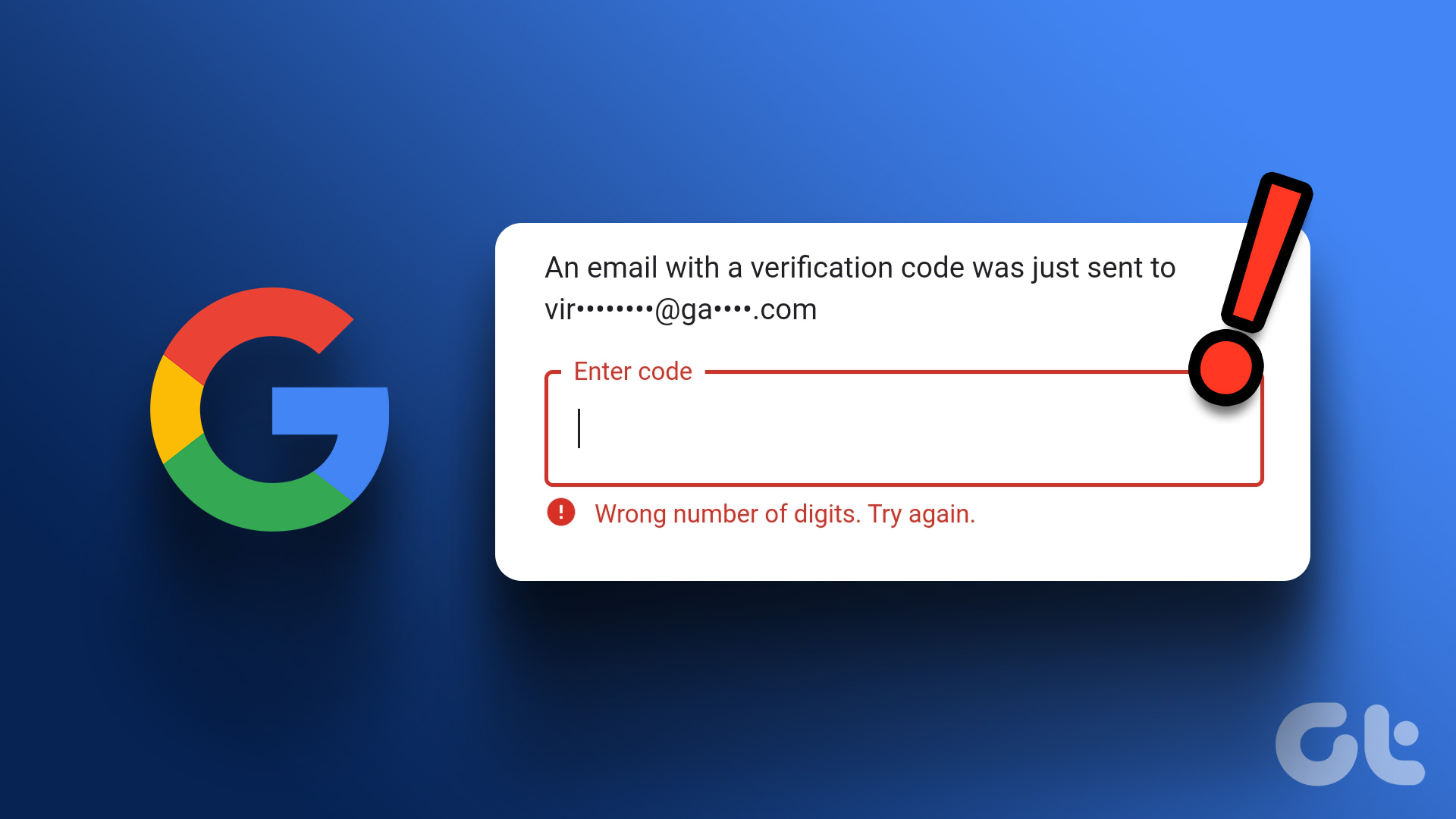
5. What to Do When Nothing Works
If you have tried the steps above and are still locked out, don’t panic. Most major service providers have Account Recovery protocols in place.
- Look for “Try another way”: Most login screens offer a link to use a backup code or an alternative recovery email.
- Check your Email Spam Folder: If you requested a code via email, it is common for these to be routed to the Junk or Promotions folder.
- Contact Support: If all else fails, use the official support channels. Never share your password with anyone, even a support representative. If a “support” person asks for your password or your 2FA code, it is a phishing attempt.
Final Thoughts for 2026
The “verification code not working” fix usually boils down to a simple synchronization issue or a temporary network glitch. By keeping your device time accurate, auditing your blocked numbers, and switching to modern authenticator apps, you can minimize these interruptions and keep your accounts secure.
Remember, technology is designed to protect you, but it requires periodic maintenance. Take a few minutes today to update your recovery phone numbers and email addresses—your future self will thank you when you need to log in during an emergency.