
Waking up to a smartphone that has plummeted from a full charge to 80 percent while you slept is more than just a minor annoyance; it is a sign that your device is struggling to reach a deep sleep state. In 2026, Android smartphones are equipped with massive 5,000mAh+ batteries and sophisticated AI-driven power management, yet many users still report significant standby drain. A healthy, well-optimized Android device should lose no more than 2 to 3 percent of its battery over an eight-hour period. If your phone is losing 10 percent or more, you are dealing with excessive idle power consumption that needs immediate intervention.
This guide explores the technical reasons behind overnight battery depletion and provides a comprehensive, step-by-step fix to ensure your phone remains powered through the night without unnecessary drain.
Understanding Why Your Android Device Can’t Sleep
The primary mechanism responsible for saving your battery is Doze Mode, an Android feature that restricts app activity and network access when the device is stationary and the screen is off. When you ask, “Why does my phone battery drain overnight?”, the answer is usually that something is preventing the device from entering this deep sleep state. In 2026, common culprits include background synchronization loops, poorly optimized third-party applications, and persistent connectivity searches.
When an app forces a “wake lock,” it keeps the processor active even when the screen is dark. Whether it is a cloud backup service trying to sync thousands of photos, a social media app fetching notifications, or a weak cellular signal forcing your modem to boost power to maintain a connection, these background processes act as silent battery killers.
1. Audit Battery Hogs via the Battery Usage Dashboard
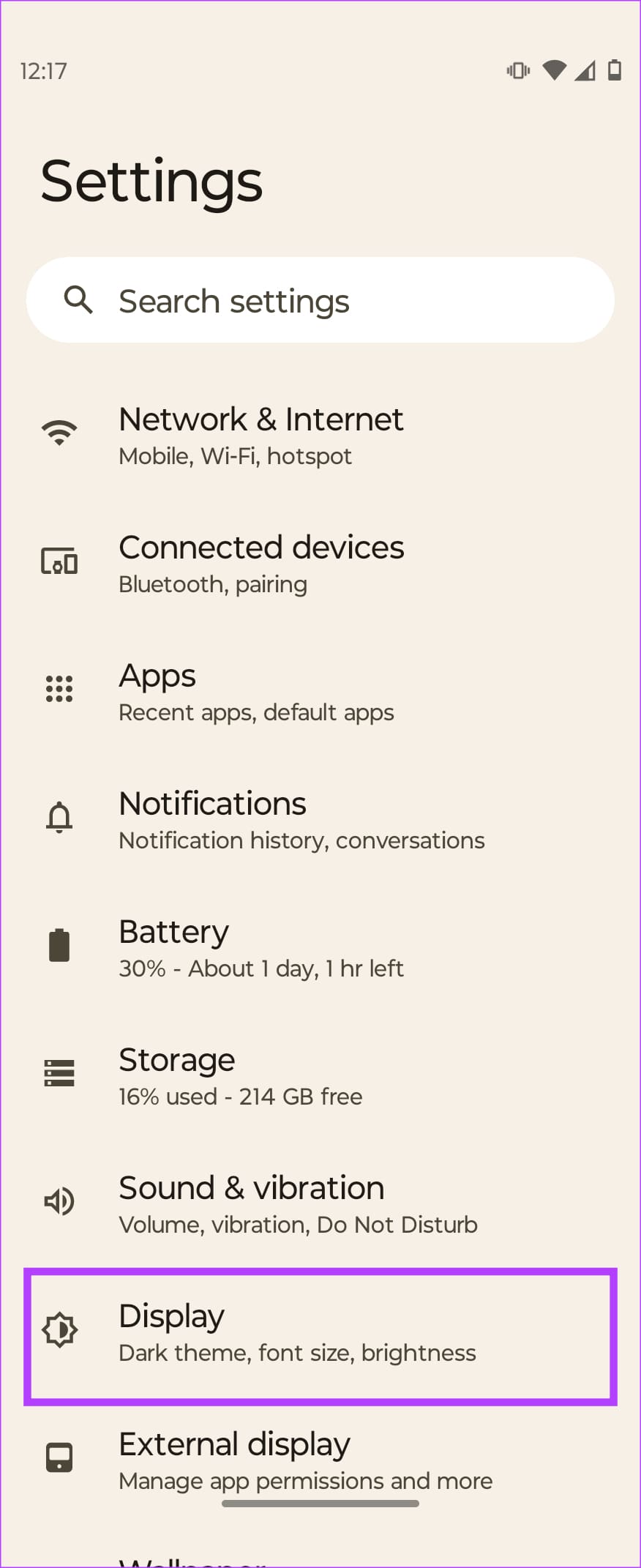
Modern Android versions (Android 15 and beyond) provide granular insights into power consumption. You no longer need to guess which app is responsible for the drain. Navigate to Settings > Battery > Battery Usage to view a detailed breakdown of energy consumption since your last full charge.
Look specifically for apps that show high Background Usage. If you see a messaging app or a streaming service that has been active for hours while you were asleep, it is likely malfunctioning or failing to respect system sleep commands. Tap on the offending app and select Restrict background activity or Optimize to ensure the system forces it to stay dormant while the phone is locked.
2. Tackle Connectivity and Signal Strength Issues

One of the most overlooked causes of overnight drain is your network environment. If your phone is struggling to maintain a stable 5G signal, the modem will continuously increase power output to find a better connection. This constant scanning is a massive drain on your battery.
If you live in an area with spotty coverage, consider toggling Airplane Mode on before you go to bed. By disabling cellular, Wi-Fi, and Bluetooth, you eliminate the phone’s need to ping local towers. If you still need to be reachable, try switching your network settings from 5G to LTE/4G only for the night, as 4G networks often provide more stable, power-efficient connectivity in areas where 5G signal strength is marginal.
3. Optimize AI-Driven Adaptive Features
While features like Always-On Display (AOD) and Adaptive Brightness are convenient, they consume power continuously. In 2026, many flagship devices utilize LTPO display technology to drop refresh rates to 1Hz, but even that consumes a small amount of power over eight hours. Navigate to Settings > Lock Screen > Always On Display and set it to Schedule so it disables automatically during your typical sleeping hours.
Additionally, ensure Adaptive Battery is enabled. This feature uses on-device machine learning to identify your usage patterns and throttle apps you rarely open. By restricting these apps from “waking up” the CPU, you can significantly extend your standby time.
4. Managing Syncing and Cloud Backups
Cloud services are essential for data safety, but they are also frequent causes of overnight wake locks. Apps like Google Photos or third-party cloud storage platforms often trigger massive background synchronization tasks when the phone is plugged into a charger or sitting idle. If you notice your phone is warm in the morning, check your cloud backup settings. You may want to configure these apps to only perform backups when the device is actively charging during the day, rather than while you are trying to preserve power overnight.
5. Clearing System Cache and Updating Software
Sometimes, the “Why does my phone battery drain overnight?” mystery isn’t about an app, but about a system-level bug. Android updates often include critical power management patches. Always ensure your device is running the latest security patch and system firmware. If the drain began suddenly after a major OS update, consider clearing your System Cache Partition through the recovery menu, as corrupted temporary files can cause the system to loop background processes indefinitely.
Frequently Asked Questions
Does leaving my phone plugged in overnight damage the battery?
In 2026, most Android phones feature Smart Charging. Once the battery reaches 100 percent, the charging circuit cuts off power to prevent overcharging. It is generally safe, though keeping the battery between 20 and 80 percent is technically healthier for long-term lithium-ion longevity.
Can a rogue app be the cause of 15 percent drain?
Yes. A single application stuck in a synchronization loop or attempting to use GPS in the background can easily drain 10 to 15 percent of your battery in a few hours. Checking the Battery Usage menu is the fastest way to identify and neutralize these apps.
Should I turn off Wi-Fi at night to save battery?
If your Wi-Fi signal is strong, it is actually more power-efficient than cellular data. If your Wi-Fi is weak or frequently disconnects, however, your phone may switch back and forth to cellular, which is a major battery drain. In that specific case, disabling Wi-Fi or using Airplane Mode is recommended.
Conclusion
Fixing overnight battery drain on Android is about identifying what keeps your device from entering its deep sleep mode. By auditing your battery usage, managing background activity, optimizing connectivity, and ensuring your software is up to date, you can reclaim your battery life. Modern Android devices are designed to be efficient, and with these 2026 optimization tips, your phone should wake up with at least 97 to 98 percent of the charge it had when you tucked it in for the night.
Tags: android battery drain, smartphone optimization, battery life fix, android 15, background processes
Category: Tech Tutorials