
Is your Android smartphone trapped in a frustrating loop of unexpected power cycles? There is arguably nothing more aggravating than a device that decides to reboot right in the middle of a critical video call, a high-stakes mobile game, or an important navigation route. If you are asking, Why does my phone restart randomly?, you are certainly not alone. Even with the advanced artificial intelligence integration and optimized architecture of Android 16, hardware and software conflicts remain a persistent challenge for users in 2026.
This comprehensive guide is designed to help you diagnose the root cause of these spontaneous shutdowns and apply the most effective Android random restart fixes. By systematically addressing potential software glitches, battery health issues, and storage bottlenecks, you can restore your device to peak performance without needing an expensive repair.
Understanding the Root Causes of Random Reboots
Before diving into technical solutions, it is vital to understand that a random reboot is rarely a sign that your phone is permanently dead. In most cases, your smartphone is performing a safety reboot. Modern Android devices are equipped with sophisticated self-protection mechanisms that trigger a restart to prevent permanent damage from a critical software crash, a kernel panic, or an unstable hardware voltage spike.
In 2026, the most common culprits for these interruptions include:
- System Architecture Mismatches: Conflicts between the latest Android security patches and legacy app frameworks.
- Battery Voltage Instability: If your battery has undergone significant lithium-ion degradation, it may fail to provide the consistent voltage required for high-performance tasks, triggering a shutdown.
- Storage Bottlenecks: With the rise of high-resolution 8K video and massive AI-model caching, running out of internal storage can cause the operating system to hang and eventually force a restart.
- Thermal Throttling: Intensive background processes, often driven by poorly optimized AI features, can cause the chipset to overheat, leading to an automatic safety restart.
1. Update Your OS and Firmware
Google and device manufacturers frequently release OTA (Over-the-Air) updates designed specifically to patch kernel-level stability issues. If your device is running an outdated version of the operating system, it may struggle to communicate effectively with modern hardware components. In 2026, staying on the latest Android Security Patch is not just about protection; it is about performance.
Navigate to Settings > System > System Update. If an update is available, download and install it immediately. Ensure your device has at least 50 percent battery life or is connected to a power source before initiating the update to prevent an interrupted installation, which could lead to further boot-loop issues.
2. Isolate Culprits with Safe Mode
If your phone only restarts when specific third-party apps are running, a software conflict is likely the root cause. Safe Mode is a diagnostic environment that disables all user-installed applications, allowing only core system software to run. This is the gold standard for troubleshooting persistent crashes.
To enter Safe Mode, press and hold the physical power button. On the screen, long-press the Power Off icon until the Reboot to Safe Mode prompt appears. Tap OK. If your phone stops restarting while in this mode, you have confirmed that a third-party app is the culprit. We recommend uninstalling your most recently added apps one by one until the device stabilizes.
3. Managing Battery Health and Power Settings
By 2026, many users are holding onto their devices for 3 to 4 years. As batteries age, they lose their ability to sustain high-peak power demands. If you notice your phone restarts primarily when you open the camera or a demanding game, your battery is likely failing to handle the power draw. Go to Settings > Battery > Battery Usage to check for apps consuming disproportionate power. Additionally, check for the Battery Health percentage; if it is below 80 percent, a professional battery replacement is likely the only permanent fix.
4. Resolve Storage and Cache Congestion
Modern Android operating systems require a specific amount of “breathing room” to perform background maintenance tasks. If your internal storage is filled to 95 percent capacity or higher, the system may struggle to write temporary logs, leading to a crash. You should aim to keep at least 10 percent of your storage free at all times. Use the Files by Google app to clear junk files, duplicate images, and large, unused cache files that may be cluttering your system partition.
5. Perform a Factory Reset as a Last Resort
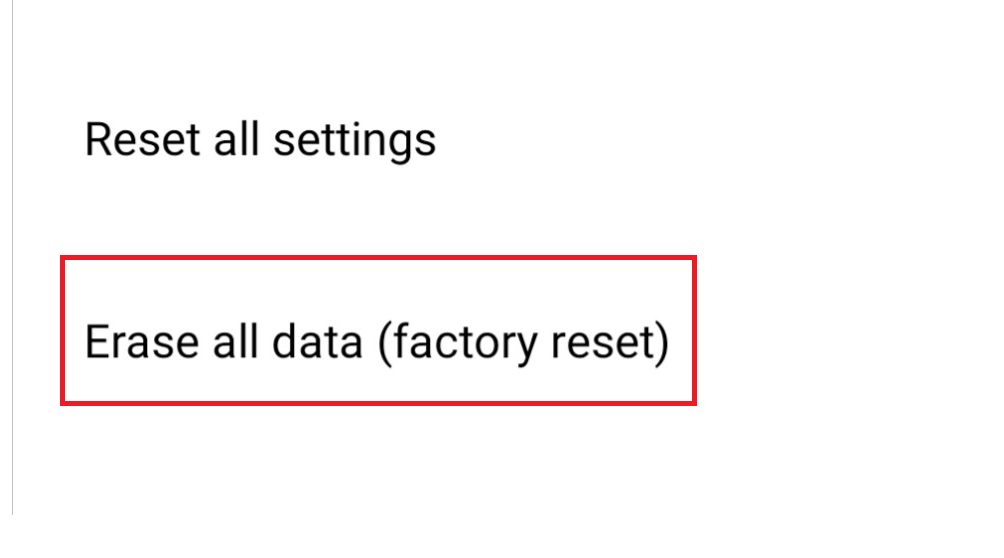
If you have exhausted all other options and the device continues to reboot, a Factory Data Reset is the final software-based solution. This process wipes the device clean, returning it to its original out-of-the-box state. Please ensure you have a complete backup of your photos, messages, and contacts via Google One before proceeding. You can perform this by going to Settings > System > Reset Options > Erase All Data (Factory Reset).
Frequently Asked Questions
Does a random restart mean my hardware is broken?
Not necessarily. While hardware issues like a failing motherboard or battery can cause reboots, most issues in 2026 are resolved via software updates, clearing cache, or removing conflicting applications.
Can a bad microSD card cause random restarts?
Yes. If you use expandable storage, a corrupted or low-quality microSD card can cause the Android system to crash while attempting to read or write data. Try removing the card to see if the restarts cease.
Is there a way to prevent random restarts in the future?
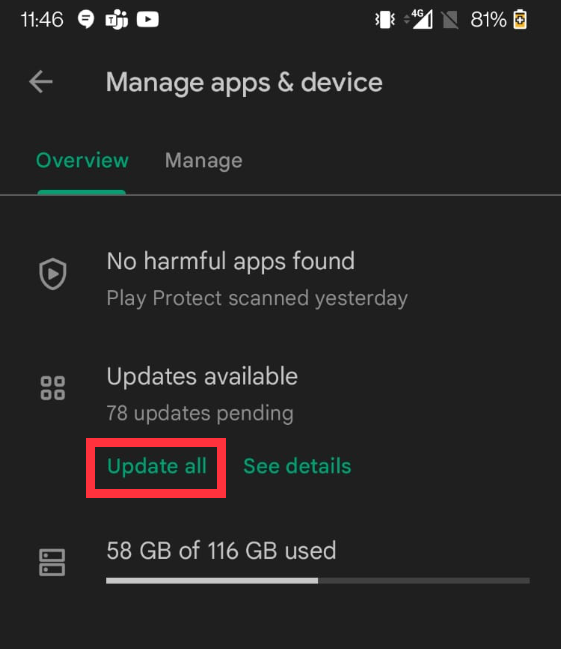
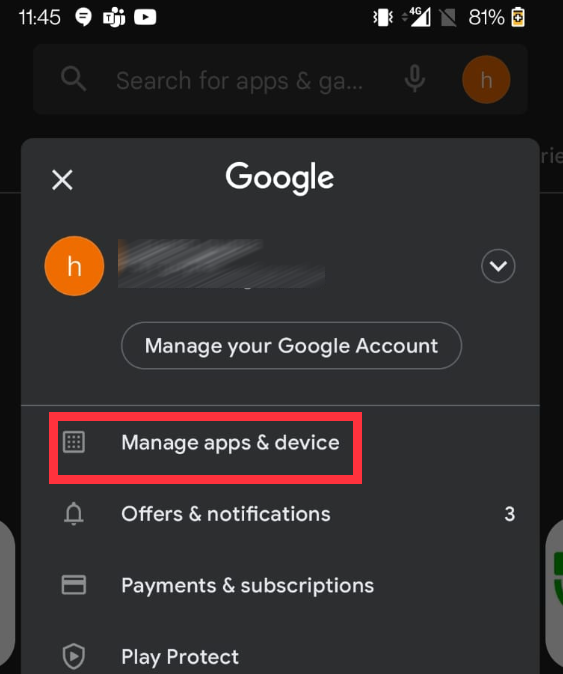
Regular maintenance is key. Keep your apps updated via the Play Store, maintain at least 10 percent free storage, and avoid installing apps from untrusted third-party sources (sideloading) to ensure maximum system stability.
Conclusion
Dealing with a phone that restarts randomly is undoubtedly frustrating, but by following these Android random restart fixes, you can systematically identify and resolve the issue. Start with the simplest solutions—updating your OS and clearing cache—before moving to more intensive steps like Safe Mode or a factory reset. Remember, in 2026, most Android stability issues are software-related and perfectly manageable. If the reboots persist after a full factory reset, it is likely a hardware failure that requires professional intervention from an authorized service center.
Tags: Android troubleshooting, phone restart fix, smartphone maintenance, Android 16, battery health, tech support
Category: Mobile Technology